
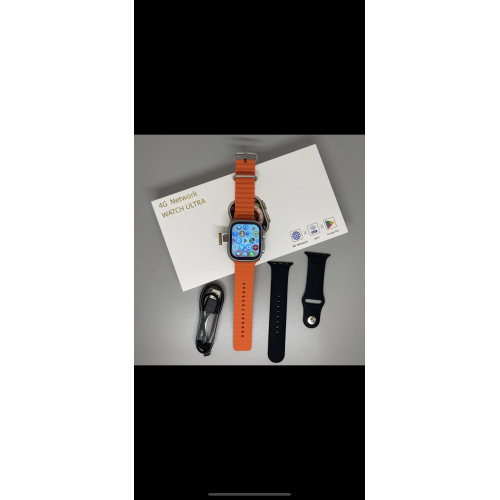






1) SIM card installation method:
Note: It is strictly forbidden to poke the microphone hole next to the SIM
card tray with a needle.
2) How to Use the watch:
Press and hold the power button to pop up a new page, click the menu icon to switch or clean up background apps.
5. Volume adjustment:
Press and hold the power button to pop up a new page, Click the speaker Icon to adjust the volume.
Note:
(3) If the card is not inserted or the card cannot be read atter power on, you can re-insert the card or replace the SiM card, and then restart to confirm the card reading
(4)Make sure you're using the magnetic charging cable that came
with your watch. Using other charging cables may damage your watch.
3) Download and install the App:
(Option1) - Scan the following QR code, download and install the App
DID
Su agradecimiento a la reseña no pudo ser enviado
Reportar comentario
Reporte enviado
Su reporte no pudo ser enviado
Escriba su propia reseña
Reseña enviada
Su reseña no pudo ser enviada